Choosing a sender
SendGrid's free plan is gone. What a small app can use for sign-up emails now
The 100-a-day plan that powered a decade of side projects became a 60-day trial. Here is what is left, and what each option asks of you.
For years the answer to "how do I send the password reset email?" was the same: make a SendGrid account, take the free 100 a day, forget about it. In 2025 that plan turned into a 60-day trial, and after the trial the cheapest plan is $19.95 a month. We still find fresh tickets on GitHub this month titled some version of "Replace SendGrid, free tier is gone: evaluate options", and one team noting their trial ends on 29 October.
If you are in that spot, the question isn't really "who is cheapest". It's "how much do I send, and what am I willing to set up?"
First, count what you actually send
- A typical side project sends a sign-up code, a password reset now and then, and maybe a weekly digest. That is often under 50 emails a day.
- A daily allowance and a monthly allowance are not the same thing: 3,000 a month with a 100-a-day cap will refuse your 101st email on launch day.
- Newsletters to a list are a different job from transactional mail. Many providers price and police them separately.
What the usual alternatives offer (listed prices, October 2026)
| Provider | Free allowance | Cheapest paid |
|---|---|---|
| Resend | 3,000 a month, 100 a day | $20 a month (50,000) |
| Brevo | 300 a day | from $9 a month |
| Mailgun | 100 a day | $15 a month (10,000) |
| SMTP2GO | 1,000 a month, 200 a day | $15 a month (10,000) |
| Mailtrap | 4,000 a month, 150 a day | $15 a month (10,000) |
| Postmark | 100 a month | $15 a month (10,000) |
| Amazon SES | none for new accounts | pay per 1,000 sent |
| email59 | 200 a day, renewed daily | $1 for 1,000 credits, no subscription |
Prices change often; check the provider's own page before you commit. The table is from the comparison linked below plus our own pricing.
What each one asks you to set up
- Your own domain (most of them): you add SPF, DKIM and usually DMARC records, then wait for verification. Your mail comes from you@yourapp.com, which is what you want for a real product.
- Amazon SES: the cheapest at volume, but new accounts start in a sandbox and you ask AWS to be let out. Plan a day or two.
- SMTP or HTTP: if a framework only speaks SMTP (Supabase Auth's custom sender, many CMSs), you need a provider with SMTP credentials. If you write the call yourself, an HTTPS API is one request.
Where email59 fits, and where it doesn't
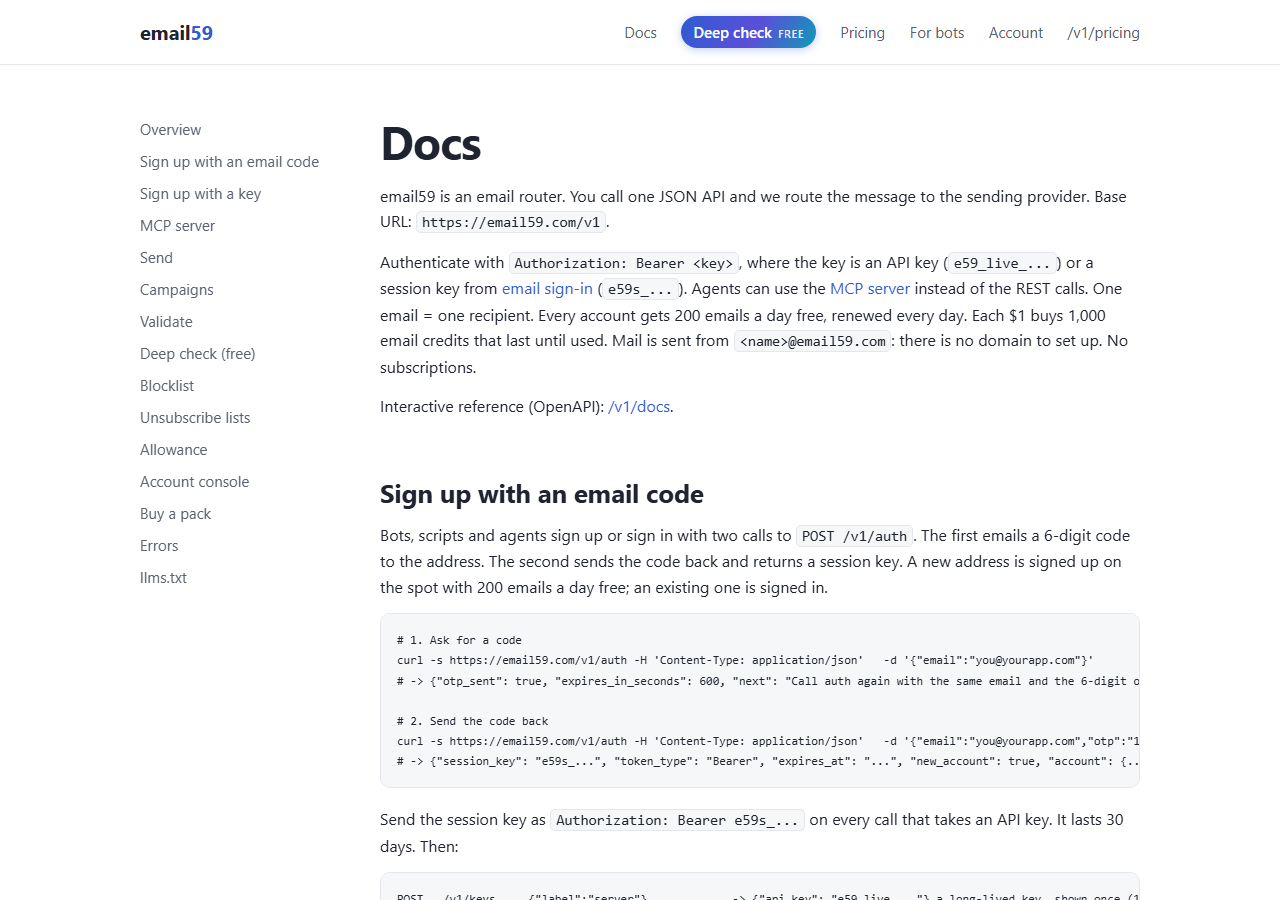
We built email59 for the stage before all that. You sign up with an email code, get a key, and send with one POST /v1/send. There is no domain to verify, because mail goes out from yourname@email59.com.
- Good fit: prototypes, internal tools, alerts, sign-up codes for an MVP, bots and agents that need to send on their own.
- Not a fit (yet): mail from your own domain, SMTP clients such as Supabase Auth's custom SMTP setting, or receiving replies. For those, pick one of the providers above.
- No subscription either way: the free 200 a day renews every day, and credits you buy last until used.
Moving later is cheap if you keep the send call in one function. Wrap it as send(to, subject, html) and the provider becomes a detail.