 email
Subscriptions
The 30-day renewal reminder: what a small app emails customers before charging them for another year
If your app or business charges customers once a year, a reminder before the next charge is the fair thing to do. It gives people time to review the renewal, update an expired card, or cancel without a surprise.
A 30-day reminder is a useful baseline for many annual plans. Your own notice window may be different, so check the laws and card-network rules that apply to your business before you automate it.
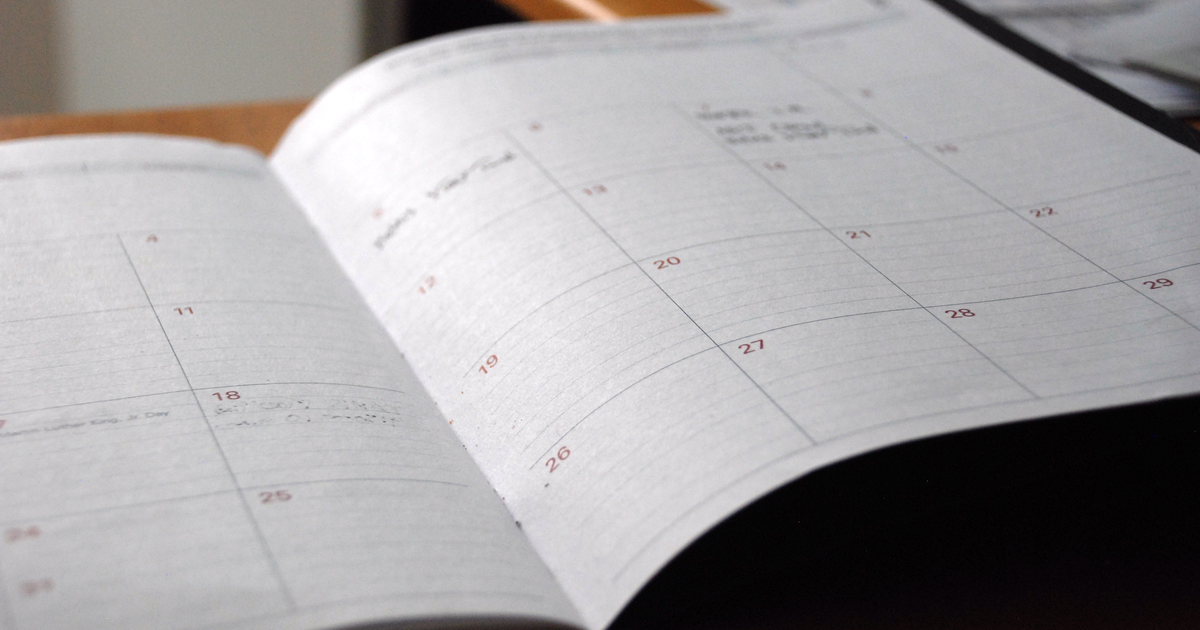
Why 30 days is a useful starting point
Thirty days gives a customer enough time to act without making the reminder feel disconnected from the renewal. It also gives your team time to fix a failed payment method before the charge date.
- Show the date and amount. The customer should not have to open another page to understand the upcoming charge.
- Give direct account links. Put billing, payment-method, and cancellation links in the email.
- Check the rules that cover you. Renewal-notice requirements vary by location, product, contract, and payment network. Do not treat one schedule as universal legal advice.
Once you know the notice window that applies to your plan, schedule the first reminder at the earliest useful date inside that window. For many businesses, that will be around 30 days before renewal.
Why a surprise charge costs more
A customer who recognizes a renewal can make a calm choice. A customer who first sees it on a card statement may contact support, ask for a refund, or dispute the charge.
- More support work: your team has to explain the charge and process avoidable refunds.
- More disputes: the payment may be reversed and your processor may add a dispute fee.
- Less trust: even a customer who keeps the plan may remember that the renewal felt hidden.
When you send a 30-day reminder instead, active customers stay, expired cards get updated before they fail, and people who no longer need your app cancel peacefully without filing fraud reports.
Six details to put in the email
Keep the important details in the message itself, not behind vague buttons or fine print:
- 1. Explicit renewal statement: Clearly state that the subscription will renew automatically unless the customer cancels before the renewal date.
- 2. Exact renewal date: State the exact calendar date the card will be billed (for example, December 15, 2026).
- 3. Exact charge amount: List the exact price including currency and taxes (for example, $120.00).
- 4. Renewal term length: Specify how long the new term lasts (for example, 1 year).
- 5. Direct cancellation link: Provide a direct, frictionless link to cancel online. If the user signed up on your website, the law forbids requiring them to make a phone call or submit a support ticket to cancel.
- 6. Billing and card details: Mention the last four digits of the card on file and a link to update payment details if the card has changed.
A plain-English renewal reminder template
Keep the email short, friendly, and honest. Avoid marketing pitches or upsells inside a legal renewal notice. Here is a clean template:
Subject: Your [App Name] plan renews in 30 days

Hi [First Name],

Thanks for using [App Name] this past year.

Your annual subscription will automatically renew in 30 days on [Renewal Date, e.g. December 15, 2026].

Here are the details of your upcoming renewal:
- Plan: [Plan Name, e.g. Pro Annual]
- Renewal term: 1 year (through December 15, 2027)
- Renewal amount: $[Amount, e.g. 120.00]
- Payment card: [Card Brand] ending in [Last 4 Digits]

If you want to keep your subscription, you do not need to do anything. Your card on file will be charged automatically on [Renewal Date].

Need to make changes?
- To update your payment card: [Link to Billing Settings]
- To view past invoices: [Link to Invoices]
- To cancel your subscription: [Direct Click-to-Cancel Link]

If you cancel before [Renewal Date], your card will not be charged, and you will continue to have access to your account until the end of your current period.

Have questions or need help? Just reply to this email or visit our help center at [Support Link].

Best,
The [App Name] Team
A simple 3-step renewal timeline
A simple automated schedule could look like this:
- Around 30 days before renewal: Send the full reminder after confirming this timing fits the rules that cover your plan.
- Seven days before renewal: Send a short follow-up with the charge date and account links.
- On renewal day: Process the charge and immediately send an itemized receipt with an invoice link.
Send transactional notices with email59
Annual renewal reminders, payment receipts, and password resets are strictly transactional emails. email59 provides a fast, developer-friendly email router designed specifically for critical app notifications.